
Launch Web App
Open TinyChatAI Web at chat.tinychatai.com. Your chats and settings are stored locally in this browser.
Download
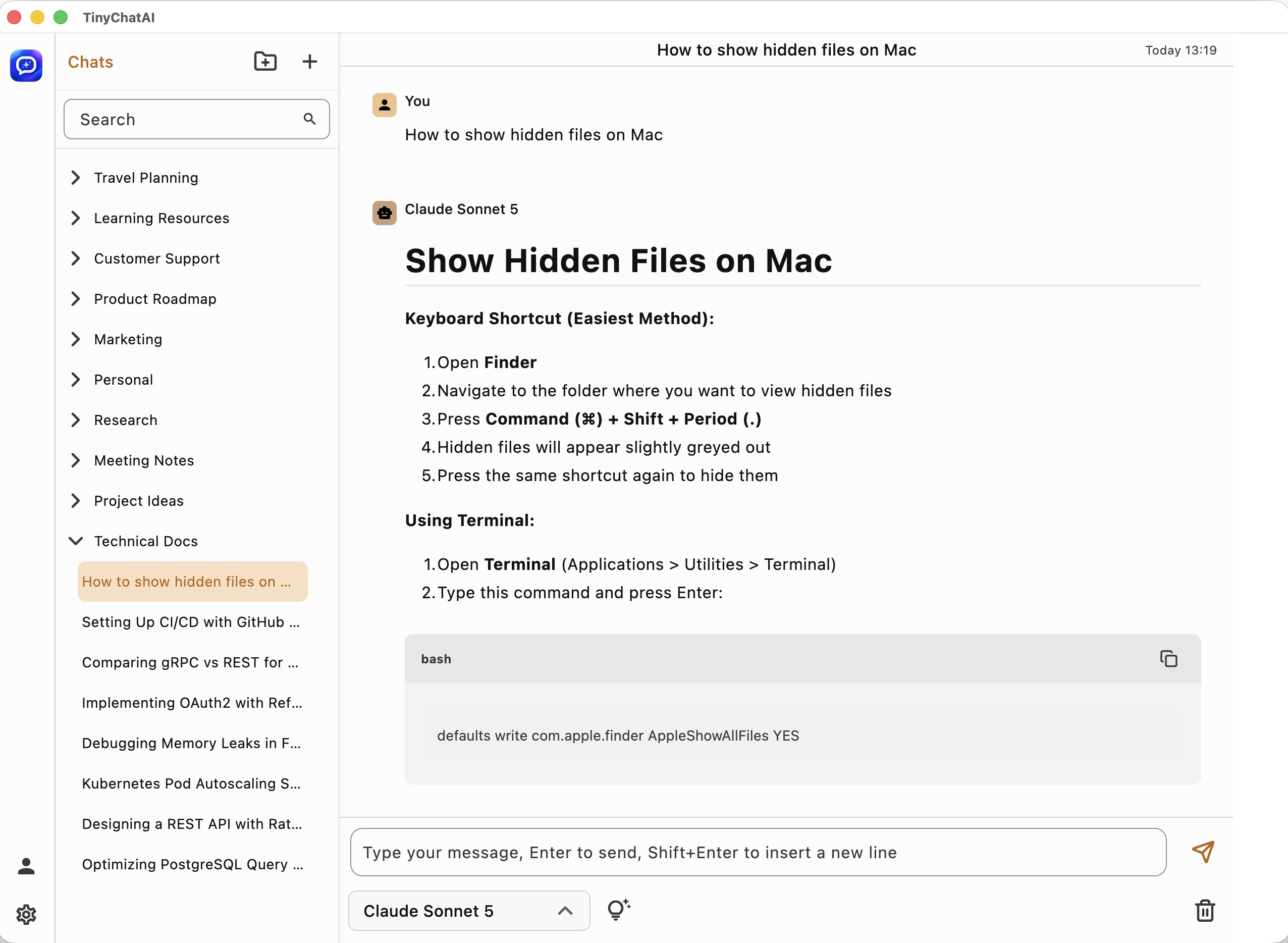
Get the lightweight AI chat app built for multiple providers, custom endpoints, fast desktop workflows, Web browser access, and a consistent UI across macOS, Windows, and Linux.
Select Web Browser or choose your operating system and processor architecture below.
Download by platform
Choose the TinyChatAI build that matches your operating system and processor architecture.
Start chatting directly from a modern browser without installing the desktop client.
Your conversations and model configuration are saved only on your local device. Our servers do not store them.
Open TinyChatAI Web at chat.tinychatai.com. Your chats and settings are stored locally in this browser.
The browser version is convenient for trying TinyChatAI, but the desktop client is recommended for regular use.
Before you start
TinyChatAI is designed for users who want to choose their own AI services, configure compatible endpoints, and keep workflows lightweight.
Adding your own compatible API providers and endpoints does not require an extra TinyChatAI fee.
TinyChatAI is designed around user-controlled provider and endpoint settings.
The product experience is built to avoid unnecessary account lock-in.
Use supported global providers, compatible APIs, and private gateways.